SPR-214-plan.mdRENDERED MARKDOWN
The choice should carry through.
Select a size. Add that exact variant to the bag. Show what happened.
- Make available sizes clear.
- Keep sold-out sizes disabled.
- Preserve the selection in the bag.
An illustrated SPRINT project: Codex and Claude terminals, a shoe storefront, a reusable product-card Component saved to a shadcn-compatible registry, and a system architecture diagram in one development environment.
FOR DEVELOPERS
Keep your agent, files, terminal, and browser in one workspace.
Run development tools on your computer, in Linux running on it, or in Cloud.
Build and test React prototypes, then keep their source.
In your browser or on your computer.
YOUR DEVELOPMENT TOOLS01
Move between agent terminals, running apps, and architecture on one canvas. Give direction, inspect the work, and keep the whole project in view.
Start with a conversation about the Sprint shopping flow.
Discuss the approach with your terminal agent. The architecture and a rendered Markdown plan appear beside the conversation.
DIAGRAMS AND PROTOTYPES02
Agents can render React directly on the canvas: architecture, mockups, working prototypes, and Three.js scenes. Work through the idea together before the agent starts building.
›Before we build, show me how the storefront, inventory, and bag fit together.
•I’ll make the boundaries visible and put the implementation plan beside the diagram.
4+<Storefront />5+<Inventory />6+<ShoppingBag />
•The architecture and Markdown plan are on the canvas. Review the boundaries before we build.
Select a size. Add that exact variant to the bag. Show what happened.
Map the system, name the boundaries, and work through the edge cases together. The plan stays beside the work as your agent builds.
Make the thinking visible. Diagrams and rendered plans give you something concrete to question.
Try it before you commit. A working prototype makes the missing detail easier to find.
Keep the context in place. Your agent, the plan, and the result stay together on the canvas.
BROWSER TESTING03
Agents run browsers inside Linux VMs, rendered into the canvas. They click, type, and test your app there. Your Mac’s browser, cursor, and desktop stay yours.
The launch should feel simple.
Clear sizing. A quiet checkout.
A little room to breathe.
Still yours. The agent’s input stays in its browser.
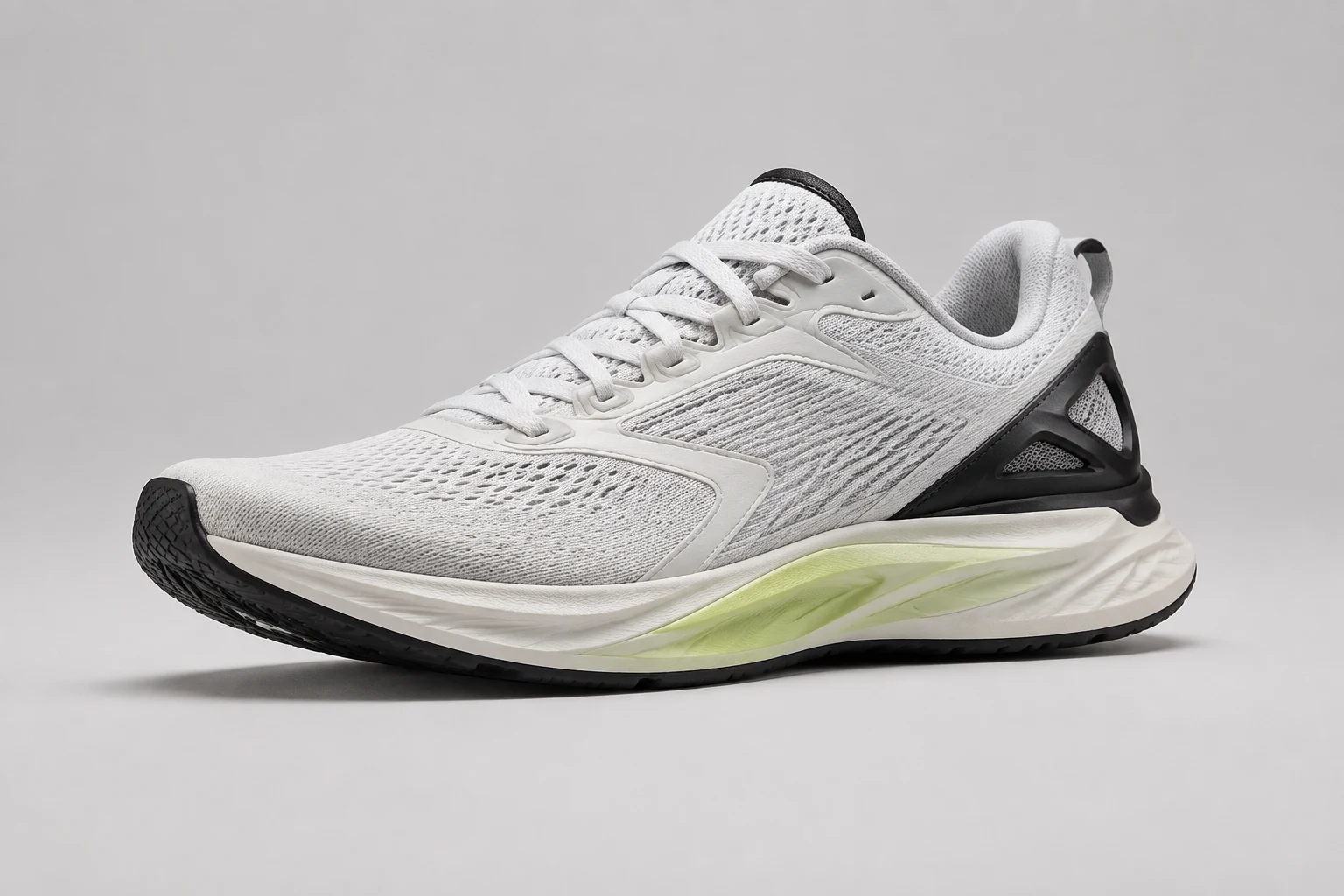 SPRINT RUNNING / 001
Everyday running shoe
Light on your feet. Ready for everything.
Free shipping. Easy returns.
Your bag is empty.
Scripted examples using Sprint. Browser actions are illustrated here; the planning prototypes are interactive.
THE WORK GETS ITS OWN MACHINE04
Start from a Machine Definition with the software and dependencies you need. Run Linux on your Mac or Windows PC, or let Thinair Cloud keep working when your laptop sleeps.
Launch agents on a prepared Cloud Machine and let it carry the work. No caffeinate command. No lid-left-open workaround. Come back to the canvas when you’re ready.
Give your agents their own Linux VM, prebuilt with the tools and dependencies they need. The repeatable setup you like about containers, with a complete Machine built for agent development.
❯ pnpm dev✓ Ready at localhost:3000Watching for file changes▌Reuse the software setup with a Machine Definition. Bring your accounts and credentials through a Profile.
See how to get started ↗Yes. Use Thinair as the working environment around your project: agents, terminals, browsers, files, and visual artifacts together. Focus in a Workbench with panes and tabs, or spread the work across a Workspace. Use the tools yourself and work alongside your agents.
Yes. Make your repository available on the Machine where you want to work, then use it as your agent’s working directory. Use Codex or Claude Code with a supported subscription or API key, or run other installed agents through Terminal. Your provider’s usage limits still apply.
Your agent targets a browser running inside a Linux Machine, and that browser is rendered into your canvas. Its clicks and typing stay there, so you can keep using your Mac’s own browser and desktop. Run the development server on the agent’s Machine and inspect the running app alongside its work.
Yes. Agents can render React directly on the canvas for architecture diagrams, mockups, interactive prototypes, and Three.js studies. Review a rendered Markdown plan beside the conversation, try the interface, and refine the idea together. Save reusable React source to your shadcn-compatible component registry.
Yes, when they run in Thinair Cloud. The work runs in the Cloud independently of your computer, so the laptop can sleep. Linux on your computer uses its hardware and depends on it staying awake.
Thinair Native runs full Linux VMs on your Mac or Windows PC. Each Machine has its own Linux kernel, memory, and Machine Disk, with agents, terminals, browsers, and development tools inside it. Start from a prebuilt Machine Definition and reuse your setup. Profiles supply your accounts and credentials separately.
Yes. Use Thinair’s CLI, MCP tools, and APIs to configure Machines, launch applications, and coordinate agents. You can work through your own agents, terminals, scripts, or applications.
YOUR NEXT PROJECT
Choose a Machine, open your repository, and ask your agent for a change you can test and review.
Read the getting-started guide